

Data catalog: Meaning, types, examples, and tools

In many organizations, data analysts spend more time figuring out which customer table is up to date than actually analyzing it. Data warehouses often hold similar copies, with no clear record of source or owner. A report built on an outdated copy shows totals that don’t match the finance team’s numbers.
A data catalog fixes this by recording each data asset’s source, owner, and business meaning in one searchable inventory. This guide breaks down how data catalogs work, how technical and business catalogs differ, real data catalog examples, and what to look for when comparing data catalog tools.
What is a data catalog and why does it matter?
A data catalog is a searchable index of metadata (information that describes data) that records each data set’s location, structure, and business meaning. Analysts check the catalog before writing a query so they can pick the approved table and know whom to contact when a value looks wrong. AI agents use the same metadata to choose the right table for answering a question, making a data catalog a crucial part of AI readiness.
To help analysts and AI agents find the right tables, data catalogs provide several key features:
- Search and discovery: Analysts search by keyword and filter results by owner or source system to find the approved table.
- Metadata collection: Scheduled scans record schemas and column types from each connected system, keeping catalog entries matched to the tables engineers maintain.
- Column-level lineage: A lineage graph traces each column from source to dashboard, helping engineers understand the downstream impact of schema changes before release.
- Classification and access: Tags marking personal or confidential fields link to access policies that limit sensitive columns to approved roles.
- Glossary and comments: Data stewards publish approved definitions, and analysts flag entries that don’t match their team’s reporting.
Engineers rely most on search and lineage, while analysts and data stewards spend more time in the glossary. Because each group needs different metadata, catalogs come in different types.
Types of data catalogs: Technical vs. business
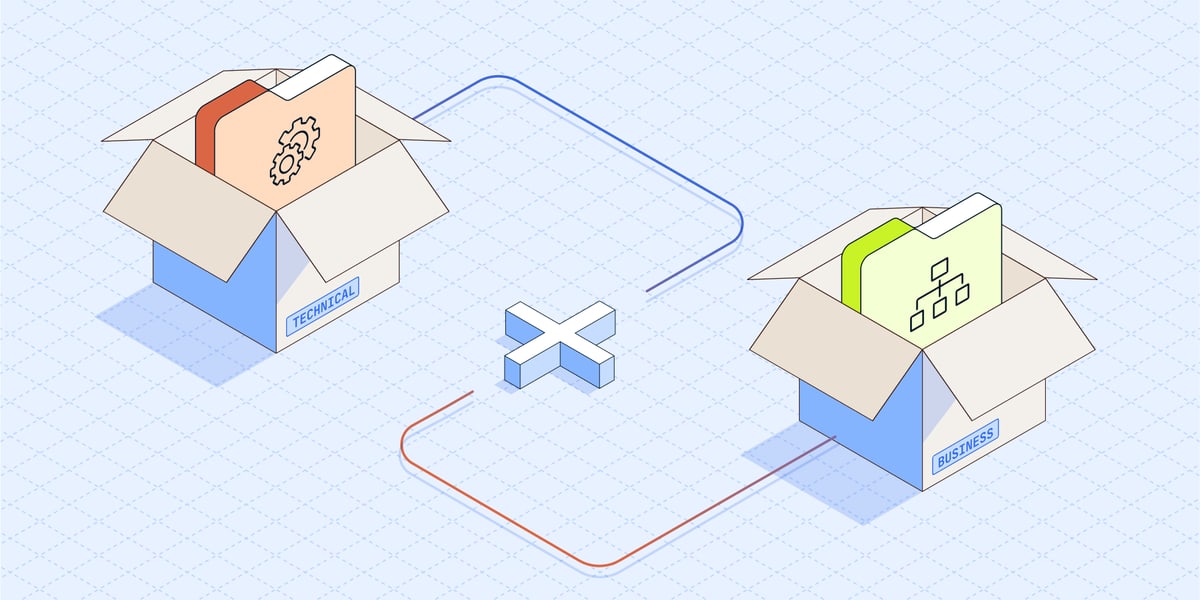
Technical and business catalogs describe the same data for different audiences. Engineers need detailed schemas and query permissions, while analysts need plain-language definitions and named owners to build accurate reports.
Technical data catalog
A technical data catalog stores the structural metadata engineers and architects use daily, such as table schemas and column data types. Engineers search the catalog by table or column name, and column-level lineage shows how records move between systems.
Technical catalogs also set access rules for individual tables and columns, which security teams review during compliance checks. In data lakes built on open table formats like Apache Iceberg™, the technical catalog tracks each table’s current metadata file so every query engine reads the latest complete version.
Business data catalog
A business data catalog describes data in business terms for analysts and data stewards. Each entry links a table to a glossary definition, a named owner, and business tags such as “certified for finance.” Data stewards use the catalog for data curation by marking which data sets are approved for reporting and which ones are deprecated.
Lineage in a business catalog stays high-level, showing which domains and dashboards depend on a data set. Business intelligence (BI) integrations display catalog definitions next to the charts analysts already use.
Technical and business data catalogs share features like lineage and access control, but they implement them at different levels of detail. Here’s how they compare:
Business catalogs depend on technical catalogs for accurate metadata, so growing teams typically use both: a technical catalog for engineers and a business catalog for analysts.
Data catalog examples
Technical catalogs usually ship with a cloud platform or open table format, while business catalogs come from independent vendors. Some common data catalog options include:
- AWS Glue Data Catalog (technical): AWS Glue crawlers scan sources such as Amazon S3 and record each table’s schema and partitions so engines like Amazon Athena and Amazon EMR can query them.
- Databricks Unity Catalog (technical): Unity Catalog is the built-in Databricks catalog where admins set access permissions once to cover every workspace.
- Apache Polaris™ (technical, open-source): Apache Polaris is an open-source catalog for Iceberg tables that implements the Iceberg REST API, allowing engines such as Trino and StarRocks to read and write the same tables through one catalog.
- Alation Data Catalog (business): Alation provides natural-language search that shows each data set’s business definition alongside query frequency, helping analysts spot the most-used version of a table.
- Collibra Data Catalog (business): Collibra is a data governance platform in which each new business glossary term goes to an owner for approval before it’s published.
- Atlan (business): Atlan is a data catalog that delivers glossary terms and lineage to analysts in Slack and to AI agents through its Model Context Protocol (MCP) server.
How to choose data catalog tools
The right tool depends on which data warehouse or data lake your company uses. Teams planning to build an enterprise data catalog can use these criteria to compare tools:
- Source coverage: Confirm the catalog connects to every system your data passes through, from data integration pipelines to the data warehouse and BI tools.
- Automated lineage: Look for scheduled scans that detect new tables and parse query logs for lineage, so data engineers don’t have to document each schema change manually.
- Governance controls: Choose a catalog with role-based access policies for personal data and audit logs that show compliance teams who viewed each column.
- AI-assisted search: Test whether the catalog answers plain-language questions from analysts and provides the same metadata to AI agents through an API or MCP server.
- Business usability: Make sure analysts and data stewards can edit definitions and request access without filing an engineering ticket.
Source coverage and automated lineage determine whether catalog entries stay accurate after launch. But accuracy also depends on whether the pipelines that load each source report every change to the catalog.
Keep your data catalog up to date with Fivetran
Source systems add columns, rename fields, and change schemas between syncs. When those updates don’t reach the catalog, its entries drift out of date. Analysts end up relying on definitions and lineage that no longer match the tables they query.
Fivetran is a fully managed data integration platform that moves data from each source and tracks every schema change during each sync. Its Platform Connector shares both technical and business metadata, showing where each table’s data originated and how it changed over time.
The Platform Connector also records who accessed the data. It integrates with business catalogs such as Atlan, Alation, and Collibra, ensuring catalog entries stay current as pipelines change.
For data lakes, Fivetran’s Managed Data Lake Service includes the Fivetran Iceberg REST Catalog (built on Apache Polaris) by default. The service also integrates with AWS Glue, Databricks Unity Catalog, BigLake metastore, and OneLake, allowing data teams to build an Open Data Infrastructure where every engine queries the same copy of the data.
Fivetran’s governance features control what reaches each catalog. Role-based access control limits who can modify connections, while column blocking and hashing protect sensitive fields.
Start a free trial with Fivetran to keep your data catalog in sync with your sources.
FAQ
Data catalog vs. data dictionary: What is the difference?
A data dictionary documents the columns of a single database, including each field’s name, data type, allowed values, and definition. A data catalog covers metadata from many sources at once and adds search, lineage, access controls, and ownership details on top of field definitions.
How do you create a data catalog?
Start by listing every source system, then connect a catalog tool that scans each system for schemas and lineage. Once the catalog tool collects metadata, data stewards can add definitions and owners to each table and set access policies for personal data. A data integration platform such as Fivetran keeps the metadata accurate by reporting each schema change.
Apache Iceberg and Apache Polaris are trademarks of the Apache Software Foundation.
[CTA_MODULE]
Related blog posts
Start for free
Join the thousands of companies using Fivetran to centralize and transform their data.





