Video
Best practices: Building and managing connectors
Description
In this walkthrough, we’ll cover how to add connectors in Fivetran, explore available source options, and look under the hood at the key features that power data replication. You’ll learn how to use the Connector Directory, request Lite connectors, and create custom or webhook-based connections. We’ll also touch on how Fivetran handles updates, schema changes, and normalization to keep your data consistent and query-ready.
Key takeaways:
- Add new connectors and explore 700+ supported sources
- Learn the difference between standard and Lite connectors
- Build custom connectors with the SDK or webhooks
- Understand how Fivetran manages updates, deletes, and schema drift automatically
More videos
Video

1:17
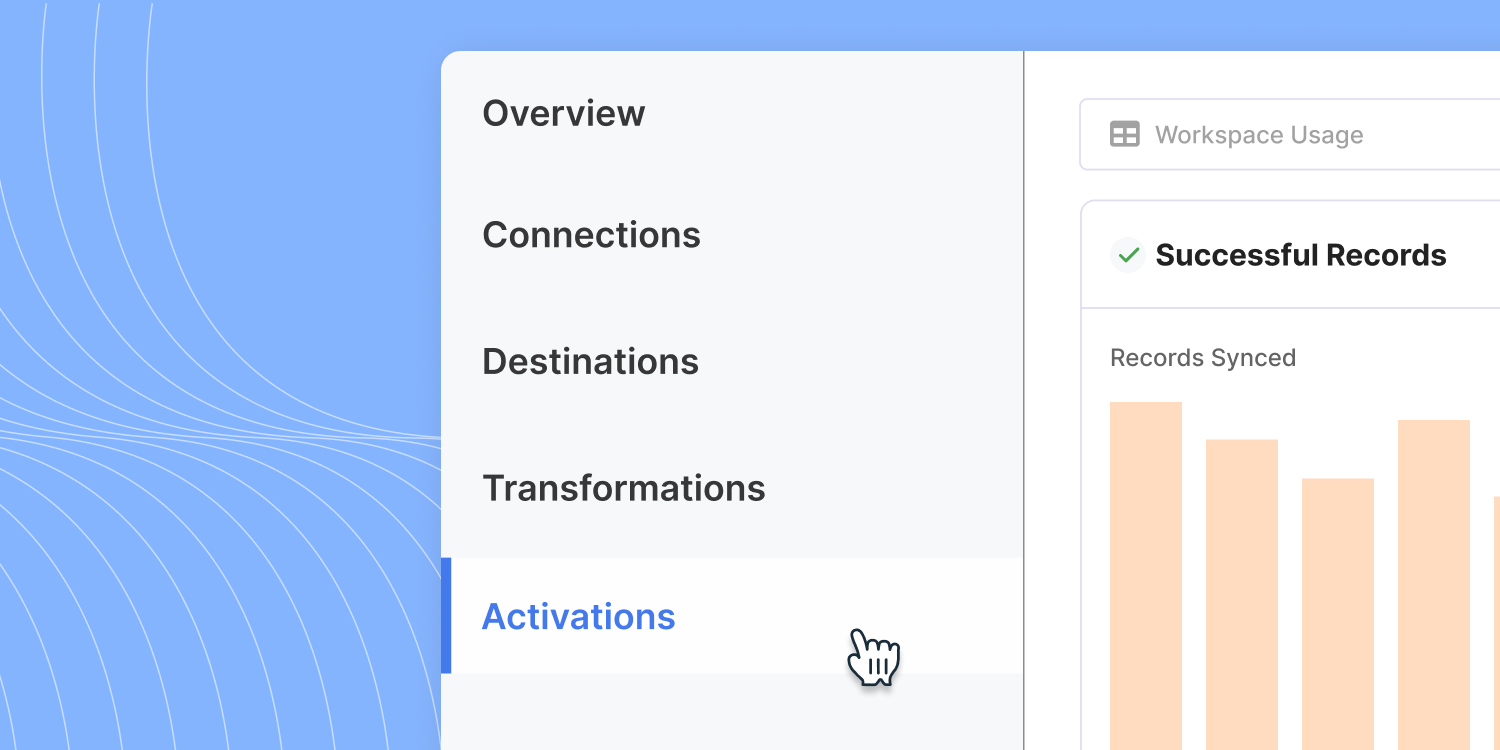
How to use Activations
Video
5:32
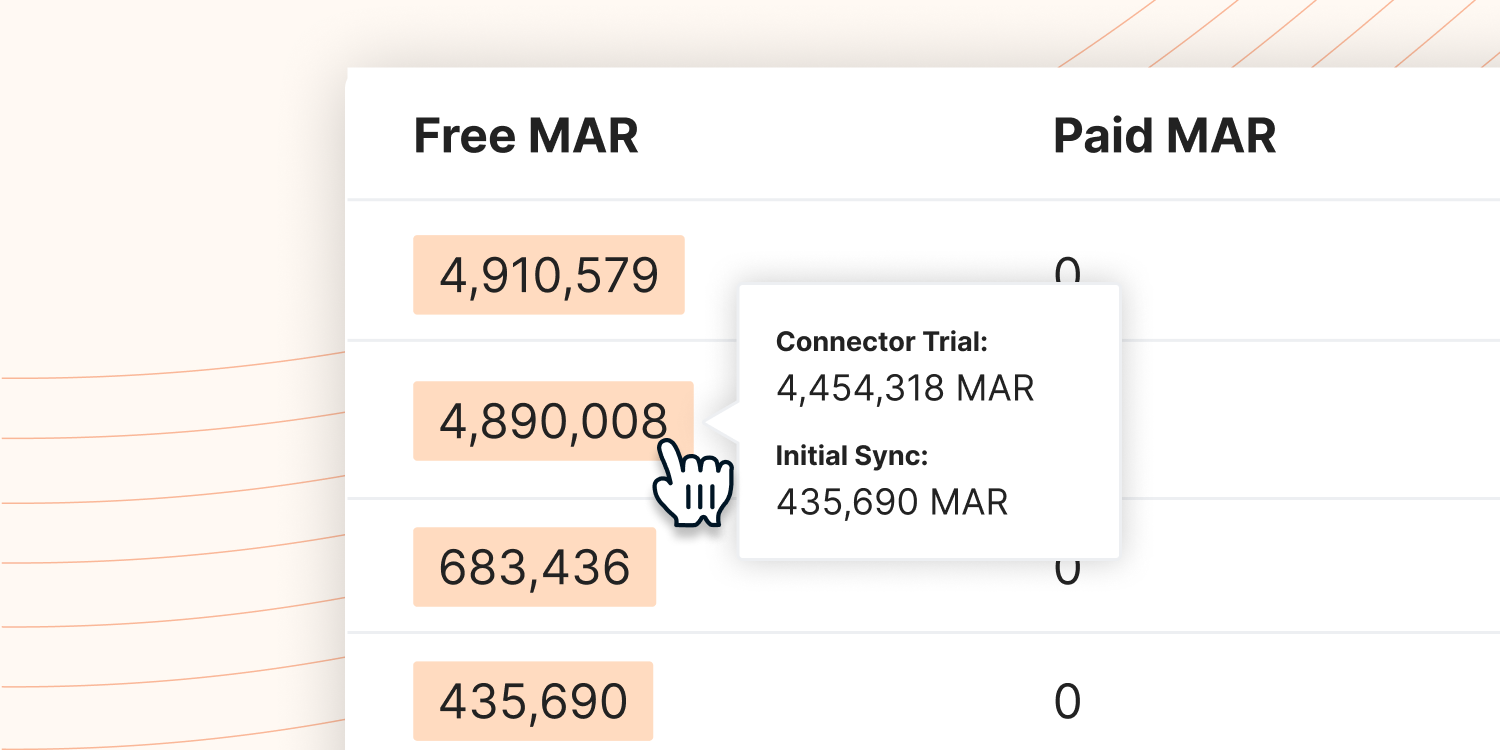
Fivetran Trial Pro Tips

Video
9:13
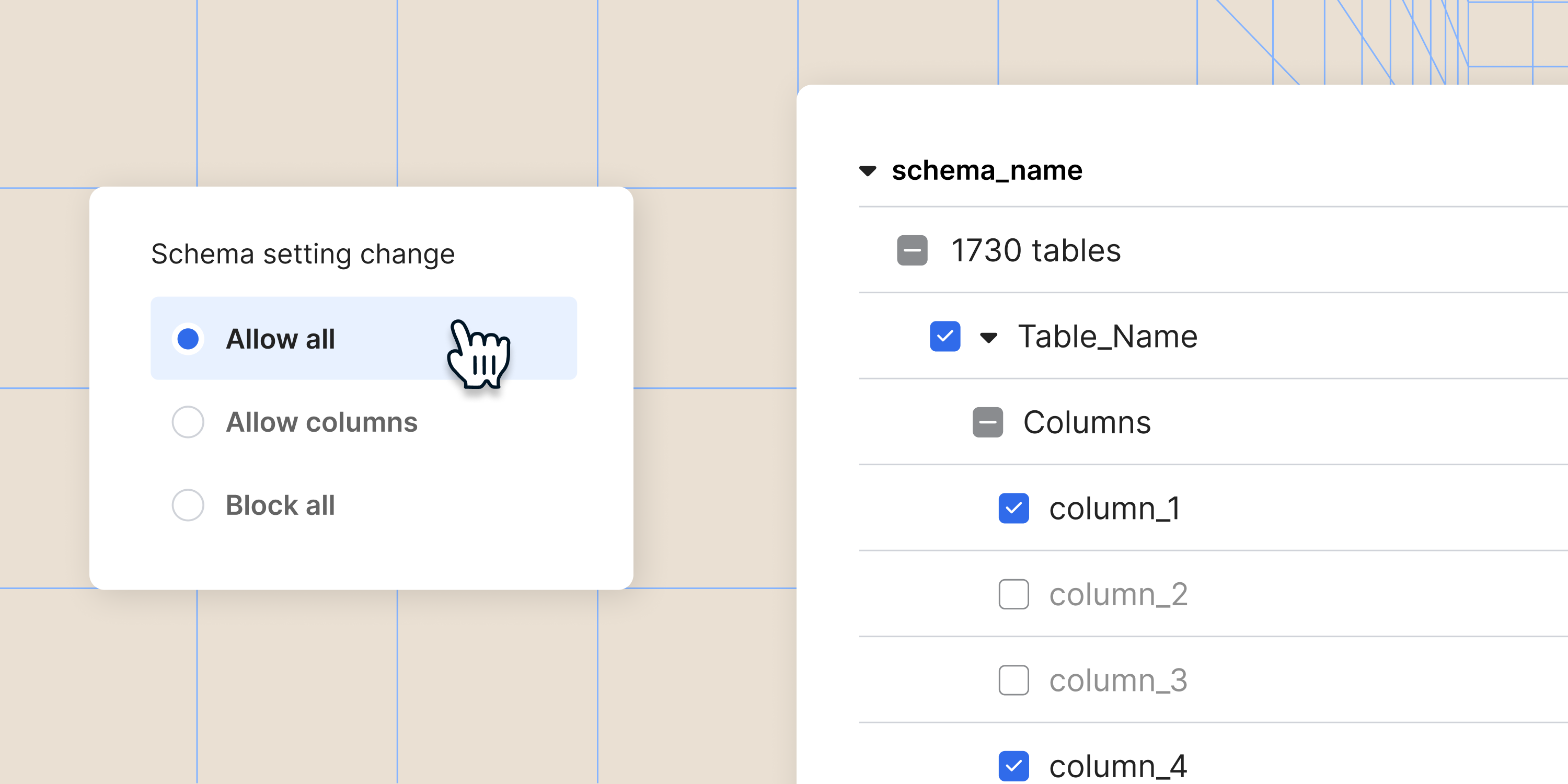
Best practices: Platform tools and account management
Video
8:25
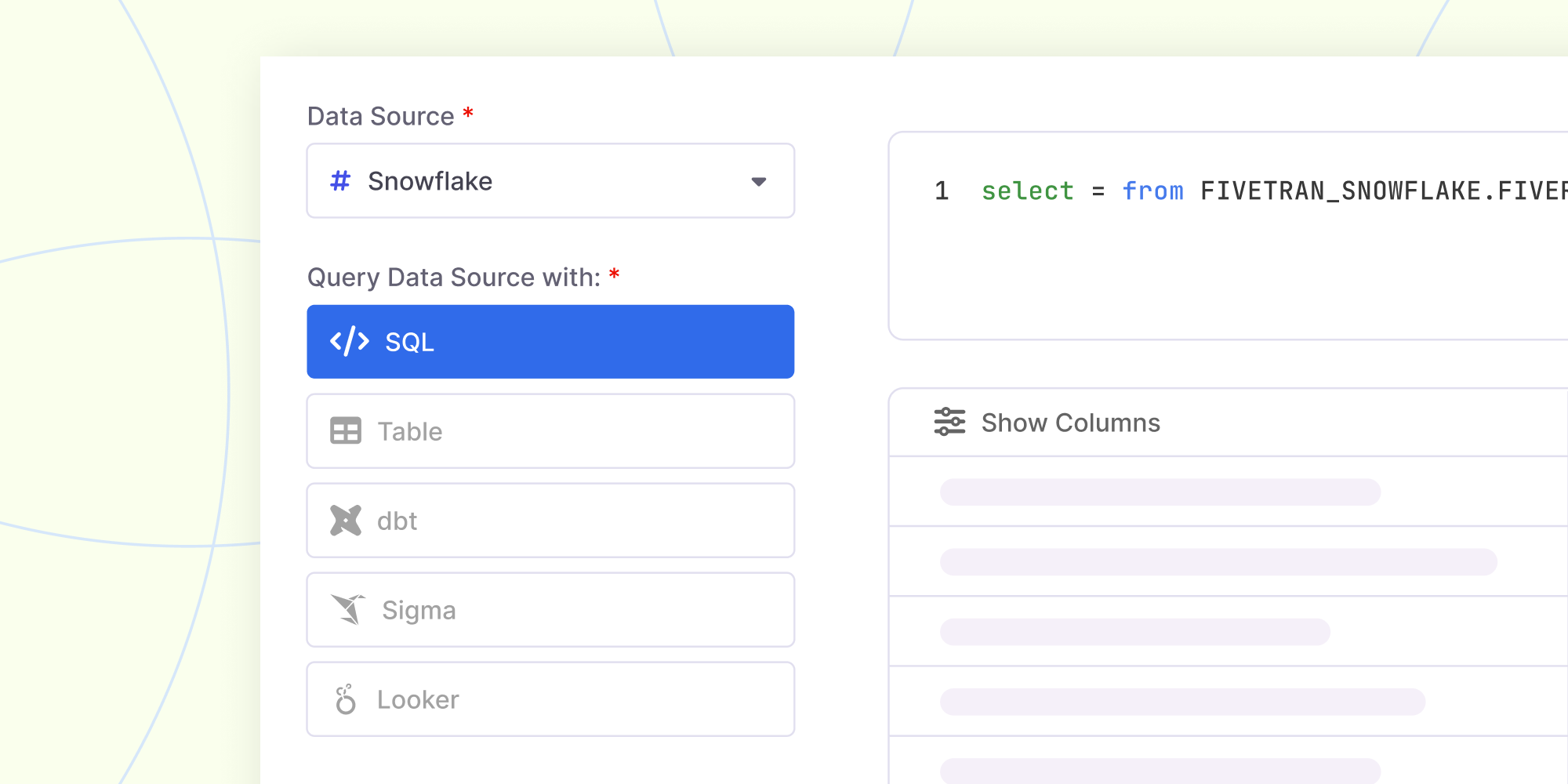
Best practices: Connector sync strategies and features
Video
8:44
Census platform overview
Video
4:21
How to set up Snowflake for your Fivetran trial
Video
01:51
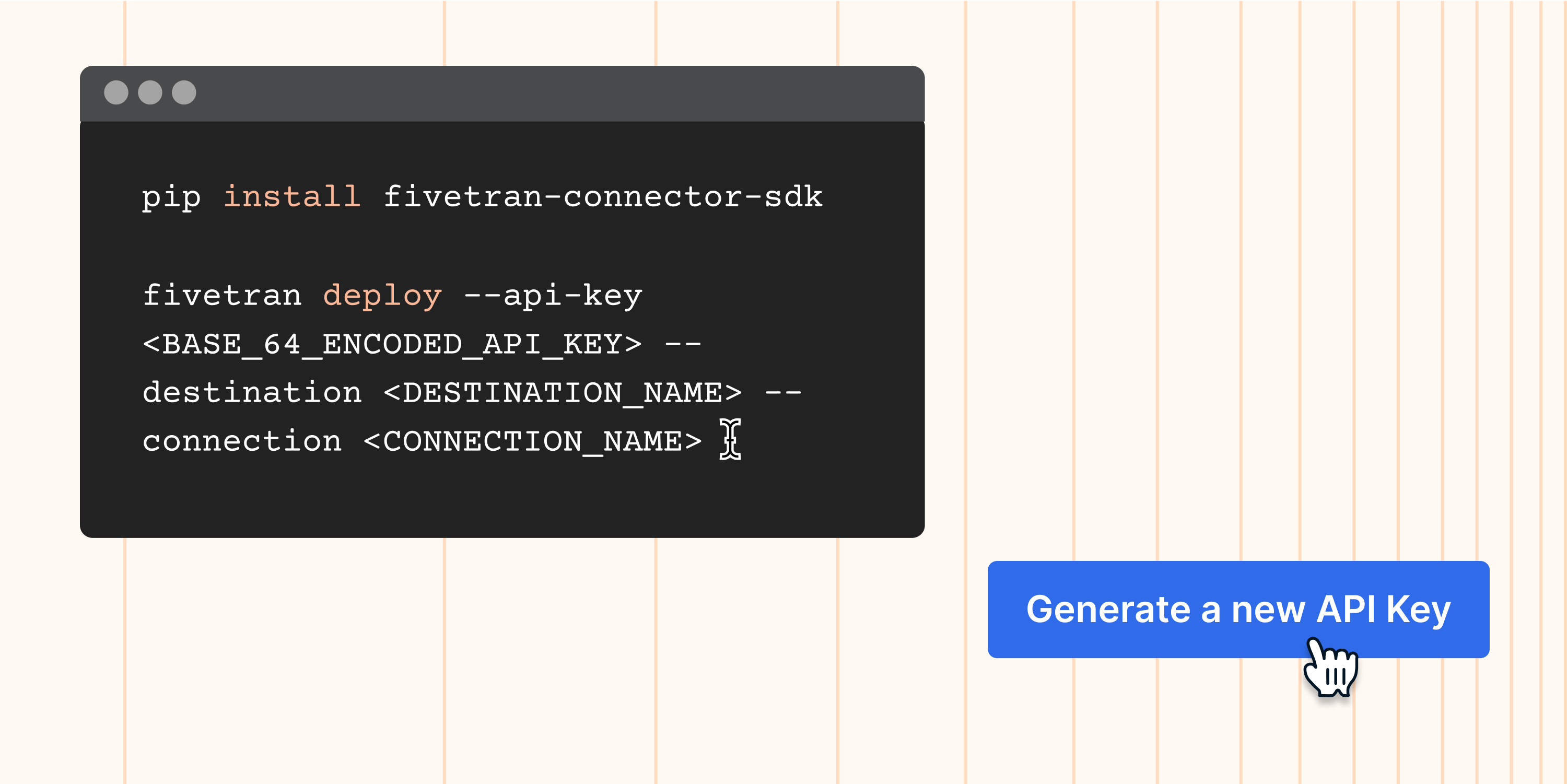
How to set up a connection with Fivetran Connector SDK
Video
4:30
How to use Fivetran's managed data lakes service

Video
03:31
How to control your costs and set up alerts
Video
4:06
How to optimize your Fivetran Transformations spend

Video
3:35
How to use Fivetran's in-product annual contract purchase flow

Video
3:55
How to get the most out of Fivetran's pricing estimator

Video
08:00
How to set up a connector

Video
04:02
How to set up a destination

Video
05:11
Fivetran platform overview
Video
02:37
Monitor your account: how to add the free Fivetran Platform Connector

Video
02:16
Monitor your account: view and query Fivetran logs in your destination
Video
04:13
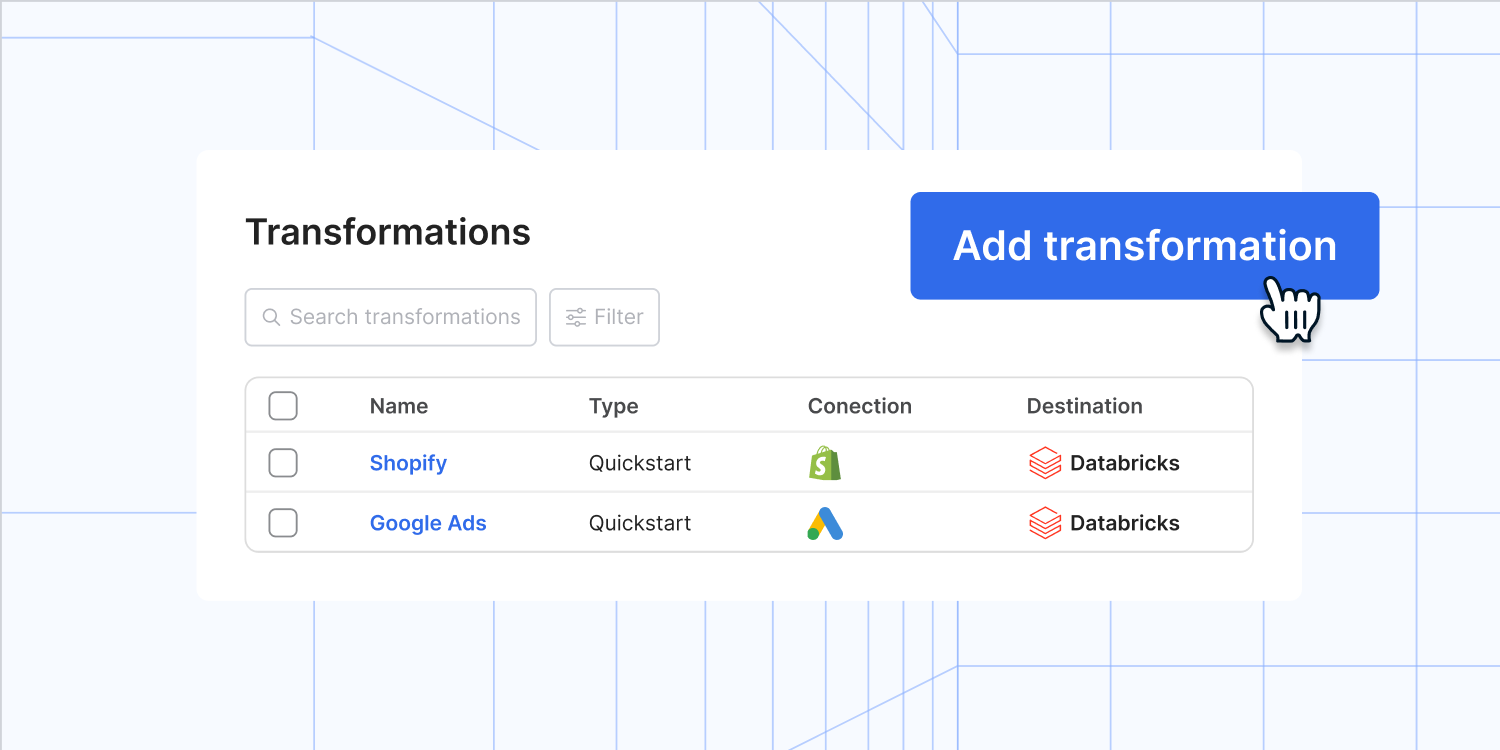
How to set up transformations

Video
07:27
Syncing strategies

Video
09:10
Understand pricing: Monthly Active Rows explained

Video
05:35
14-Day Connector Trials
.png)
Video
06:12
Intro to role-based access control (RBAC)

Video
03:03


